

Old Muscat Walking Tour (Self Guided), Muscat
Muscat - nicknamed “The Pearl of Arabia” - is the capital and largest city of Oman. The origin of the name “Muscat” is uncertain; some reckon it is derived from the Arabic word for "anchorage" or "the place of letting fall the anchor", referring to the city's location as a safe harbor for ships.
Sitting at the foot of the Al Hajar Mountains, on the northeastern coast of the Gulf of Oman, Muscat has been known as a major port since the 1st century AD. An important maritime trading hub between Asia, Africa, and Europe, at various points in history, the city has attracted and been ruled by various indigenous and foreign powers, including the Persians, the Portuguese, and the Ottomans.
In the 18th century, under the rule of the Al Said dynasty, Muscat's influence extended as far as East Africa and Zanzibar, and since the ascension of Qaboos bin Said as Sultan of Oman, in 1970, Muscat has experienced rapid infrastructural development paired with vibrant economic growth and establishment of a multi-ethnic society.
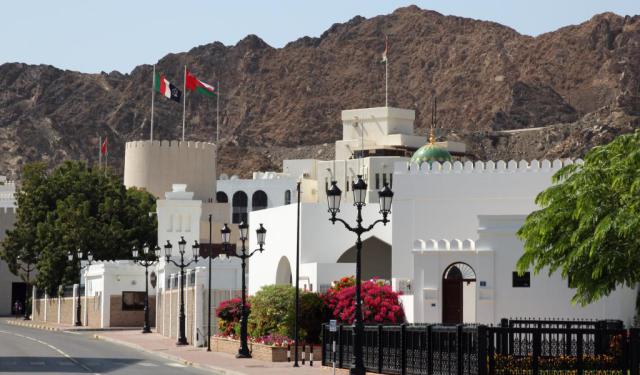
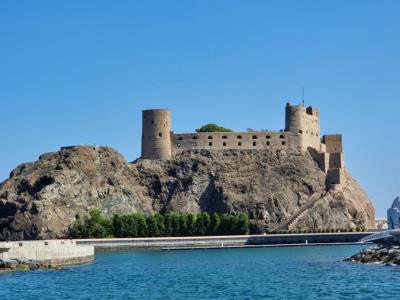
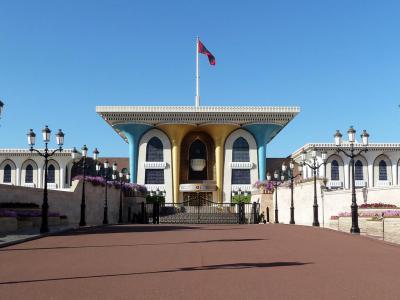
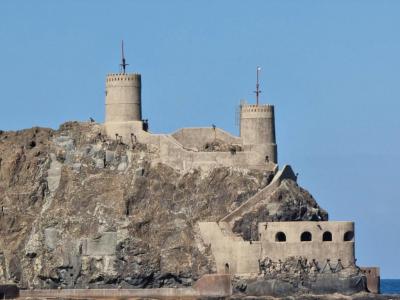
The Old Town of Muscat, centered on its crescent-shaped natural harbor, is a world away from the rest of the city. Walking here is like taking a ride in a time machine back to the ancient era. As the historic heart of the capital, this pristine enclave is a hidden gem, full of surprises and secrets waiting to be explored. Among the local highlights are the 16th-century Al Jalili and Al Mirani Forts overlooking the bay; the ceremonial Al Alam Palace, and museums - such as the Muscat Gate Museum and the Bait al Zubair Museum - dedicated to Oman’s history and culture.
"Old Muscat is a treasure trove of Omani heritage," they say. Luckily, to unlock it, one doesn't need to be a pirate. An adventurous traveler, armed with a self-guided walk app like GPSmyCity, can do it just as well.
Sitting at the foot of the Al Hajar Mountains, on the northeastern coast of the Gulf of Oman, Muscat has been known as a major port since the 1st century AD. An important maritime trading hub between Asia, Africa, and Europe, at various points in history, the city has attracted and been ruled by various indigenous and foreign powers, including the Persians, the Portuguese, and the Ottomans.
In the 18th century, under the rule of the Al Said dynasty, Muscat's influence extended as far as East Africa and Zanzibar, and since the ascension of Qaboos bin Said as Sultan of Oman, in 1970, Muscat has experienced rapid infrastructural development paired with vibrant economic growth and establishment of a multi-ethnic society.
The Old Town of Muscat, centered on its crescent-shaped natural harbor, is a world away from the rest of the city. Walking here is like taking a ride in a time machine back to the ancient era. As the historic heart of the capital, this pristine enclave is a hidden gem, full of surprises and secrets waiting to be explored. Among the local highlights are the 16th-century Al Jalili and Al Mirani Forts overlooking the bay; the ceremonial Al Alam Palace, and museums - such as the Muscat Gate Museum and the Bait al Zubair Museum - dedicated to Oman’s history and culture.
"Old Muscat is a treasure trove of Omani heritage," they say. Luckily, to unlock it, one doesn't need to be a pirate. An adventurous traveler, armed with a self-guided walk app like GPSmyCity, can do it just as well.
How it works: Download the app "GPSmyCity: Walks in 1K+ Cities" from Apple App Store or Google Play Store to your mobile phone or tablet. The app turns your mobile device into a personal tour guide and its built-in GPS navigation functions guide you from one tour stop to next. The app works offline, so no data plan is needed when traveling abroad.
Download The GPSmyCity App



Old Muscat Walking Tour Map
Guide Name: Old Muscat Walking Tour
Guide Location: Oman » Muscat (See other walking tours in Muscat)
Guide Type: Self-guided Walking Tour (Sightseeing)
Tour Duration: 1 Hour
Travel Distance: 2.5 Km or 1.6 Miles
Tour Best Suited For: First-time visit
Guide Location: Oman » Muscat (See other walking tours in Muscat)
Guide Type: Self-guided Walking Tour (Sightseeing)
Tour Duration: 1 Hour
Travel Distance: 2.5 Km or 1.6 Miles
Tour Best Suited For: First-time visit
Sights Featured in This Walk

6
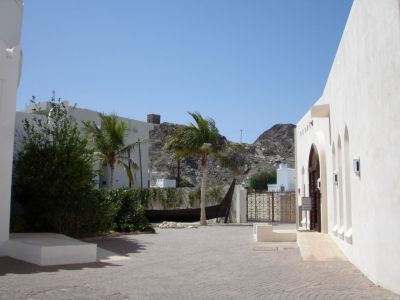
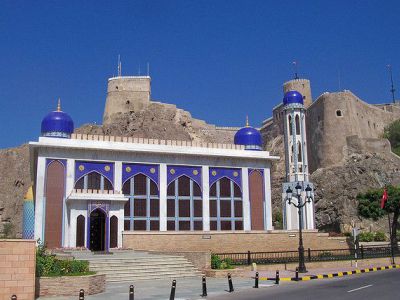
6) Bait Al-Zubair Museum (must see)
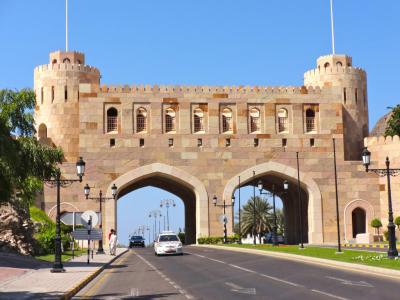
Walking Tours in Muscat, Oman
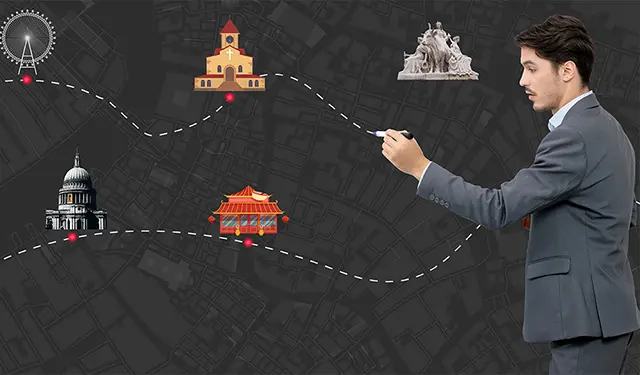
Create Your Own Walk in Muscat
Creating your own self-guided walk in Muscat is easy and fun. Choose the city attractions that you want to see and a walk route map will be created just for you. You can even set your hotel as the start point of the walk.
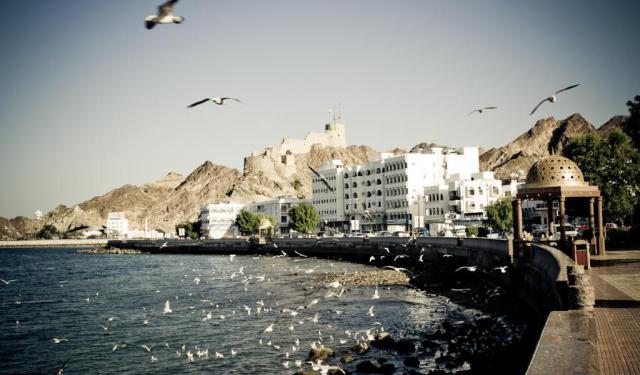
Muttrah Seaside Walking Tour
Muttrah is a port district of Oman's capital and one of the most historic areas in Muscat, formerly a major commercial hub, boasting one of the largest harbors and sea ports in the region. The area is sometimes lovingly referred to as "the bride of Muscat", most likely for its traditional architecture or the stunning views of the Gulf of Oman, altogether contributing to the capital... view more
Tour Duration: 1 Hour
Travel Distance: 2.4 Km or 1.5 Miles
Tour Duration: 1 Hour
Travel Distance: 2.4 Km or 1.5 Miles