

Audio Guide: Walking Through Versailles' Magnificent Gardens (Self Guided), Versailles
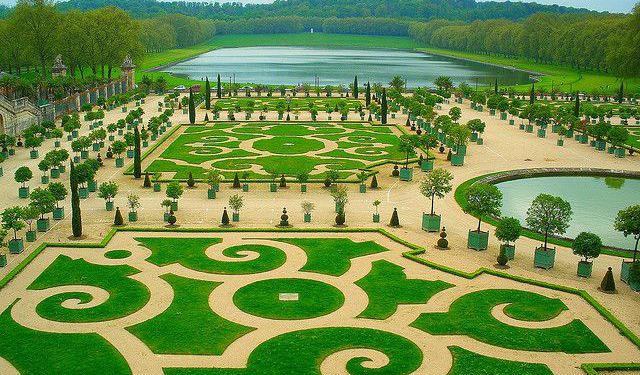
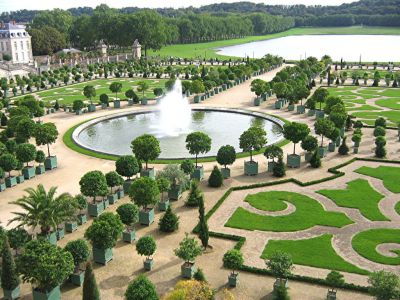
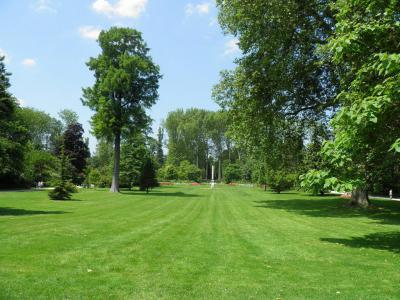
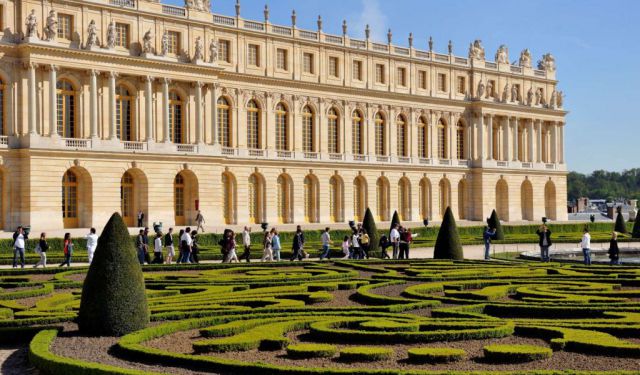
Spread across a vast (800-hectare) area, the Versailles Gardens are the quintessential example of regal grandeur and meticulous French landscape design. Most of its feature areas - known as 'groves' - were created by King Louis XIV’s chief landscape architect André Le Nôtre. Key among the garden's numerous attractions is the Orangerie Fountain, which sets the tone for its opulent ambiance.
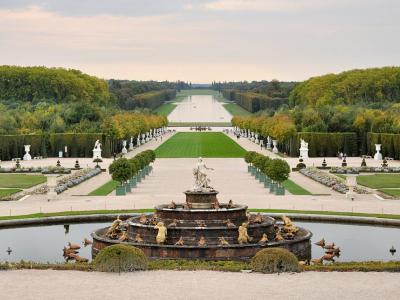
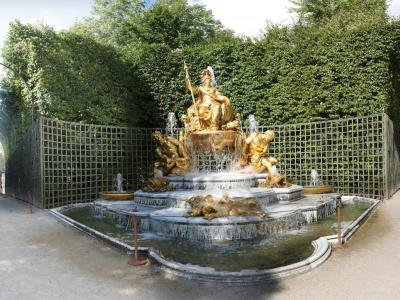
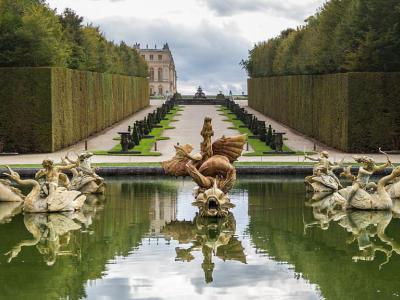
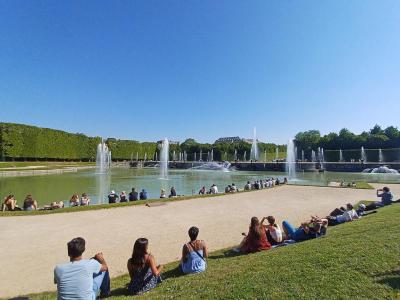
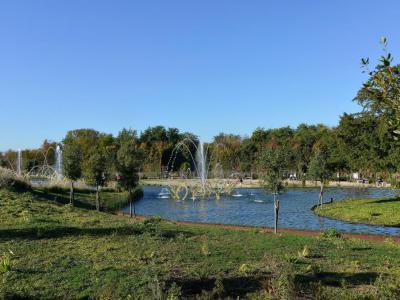
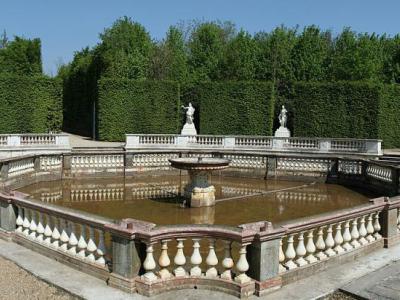
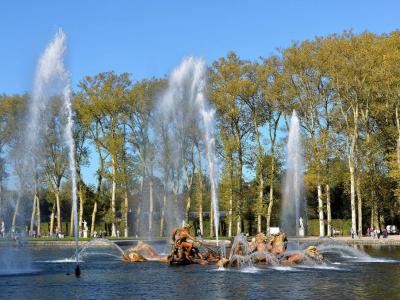
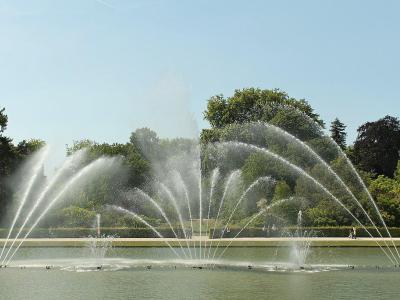
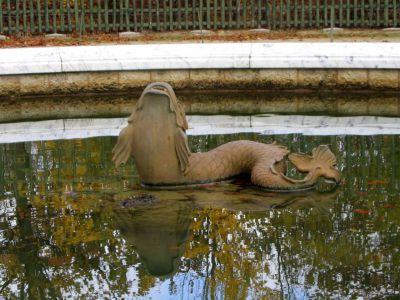
Among other elaborate water features, central to the garden's allure, are the majestic Latona Fountain and the grand Water Parterre. Nearby, the Triumphal Arch Grove and the fiery Dragon Fountain showcase sculptural and aquatic artistry in harmony.
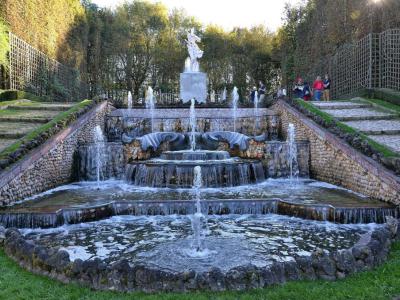
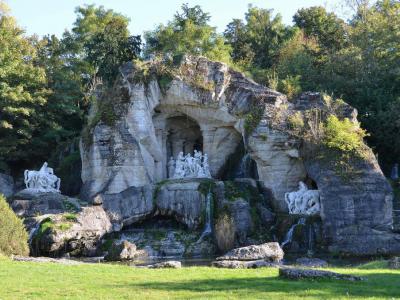
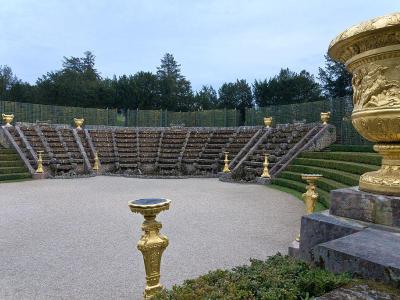
Exploring further, visitors will be dazzled by the intricately designed Three Fountains Grove and the powerful Neptune Fountain, renowned for its dynamic sculptures and size. Each grove, be it the Green Round or the mythical Apollo's Baths, tells a unique story through its sculptural elements.
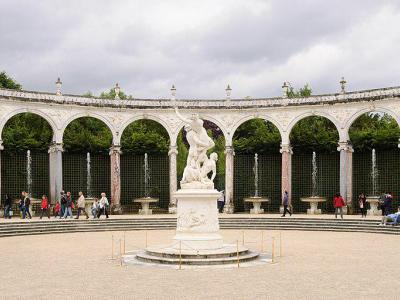
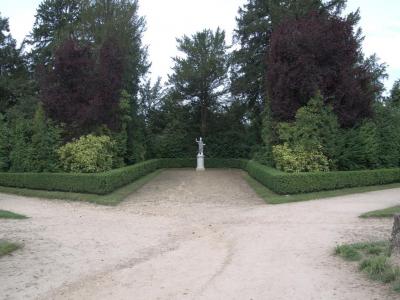
The garden’s narrative continues in the Star Grove, the Groves of the Domes, and the iconic Apollo Fountain, featuring their own distinct themes and styles. The Colonnade Grove stands out for its circular colonnade surrounding a central group of sculptures.
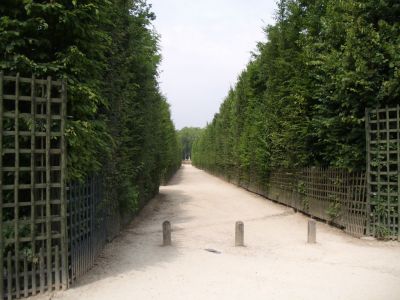
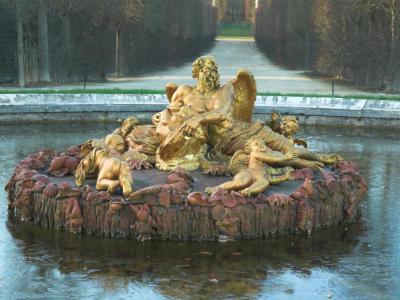
Amidst these splendors, the King's Garden, the Saturn Fountain, and the reflective Mirror Fountain offer quieter, yet equally stunning, moments of reflection. The Northern and Southern Quincunxes provide structured green spaces that contrast with the meticulously designed Queen's Grove and the naturalistic Rockwork Grove.
For an experience that marries history, art, and nature, the Versailles Gardens invite you to witness the grandeur of a classical French garden and the timeless beauty of its sculptural and botanical art. Visit here to step back into a world of royal luxury and landscaped precision-a truly unforgettable journey!
Among other elaborate water features, central to the garden's allure, are the majestic Latona Fountain and the grand Water Parterre. Nearby, the Triumphal Arch Grove and the fiery Dragon Fountain showcase sculptural and aquatic artistry in harmony.
Exploring further, visitors will be dazzled by the intricately designed Three Fountains Grove and the powerful Neptune Fountain, renowned for its dynamic sculptures and size. Each grove, be it the Green Round or the mythical Apollo's Baths, tells a unique story through its sculptural elements.
The garden’s narrative continues in the Star Grove, the Groves of the Domes, and the iconic Apollo Fountain, featuring their own distinct themes and styles. The Colonnade Grove stands out for its circular colonnade surrounding a central group of sculptures.
Amidst these splendors, the King's Garden, the Saturn Fountain, and the reflective Mirror Fountain offer quieter, yet equally stunning, moments of reflection. The Northern and Southern Quincunxes provide structured green spaces that contrast with the meticulously designed Queen's Grove and the naturalistic Rockwork Grove.
For an experience that marries history, art, and nature, the Versailles Gardens invite you to witness the grandeur of a classical French garden and the timeless beauty of its sculptural and botanical art. Visit here to step back into a world of royal luxury and landscaped precision-a truly unforgettable journey!
How it works: Download the app "GPSmyCity: Walks in 1K+ Cities" from Apple App Store or Google Play Store to your mobile phone or tablet. The app turns your mobile device into a personal tour guide and its built-in GPS navigation functions guide you from one tour stop to next. The app works offline, so no data plan is needed when traveling abroad.
Download The GPSmyCity App



Walking Through Versailles' Magnificent Gardens Map
Guide Name: Walking Through Versailles' Magnificent Gardens
Guide Location: France » Versailles (See other walking tours in Versailles)
Guide Type: Self-guided Walking Tour (Sightseeing)
Tour Duration: 3 Hours
Travel Distance: 3.5 Km or 2.2 Miles
Tour Best Suited For: Archtecture buffs
Guide Location: France » Versailles (See other walking tours in Versailles)
Guide Type: Self-guided Walking Tour (Sightseeing)
Tour Duration: 3 Hours
Travel Distance: 3.5 Km or 2.2 Miles
Tour Best Suited For: Archtecture buffs
Sights Featured in This Walk
Walking Tours in Versailles, France

Create Your Own Walk in Versailles
Creating your own self-guided walk in Versailles is easy and fun. Choose the city attractions that you want to see and a walk route map will be created just for you. You can even set your hotel as the start point of the walk.
A Walk in Versailles' Historical Old Town
Versailles, a wealthy suburb of Paris some 20 kilometers southwest of the capital, is steeped in grandeur and regal history. Known worldwide for its opulent palace - the residence of French royalty, this small town offers much more than just its royal gates. Versailles is a living museum of French architecture and aristocratic life and is historically known for numerous treaties signed there,... view more
Tour Duration: 2 Hours
Travel Distance: 3.5 Km or 2.2 Miles
Tour Duration: 2 Hours
Travel Distance: 3.5 Km or 2.2 Miles
The Most Popular Cities
/ view all