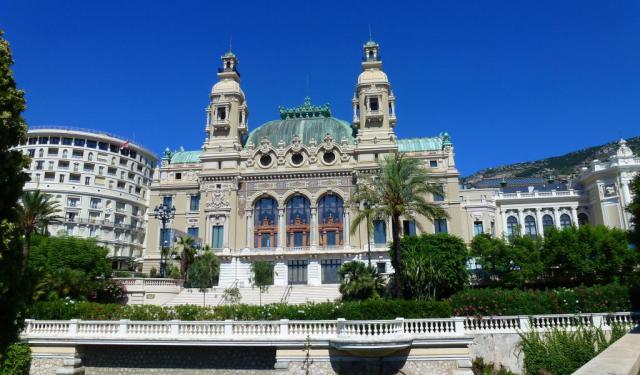


Historical Buildings Walk (Self Guided), Monte-Carlo
Monaco – the world’s second smallest state – is also one of the world’s richest. The latter fact definitely shows in the historic buildings – famous casinos, opera house, hotels and opulent palaces – found in the central ward Monte-Carlo, displaying a range of architectural styles quite wide for a small country like this.
The geography of Monaco, featuring sharp hills and narrow coastline, has largely determined the Monacan architecture. It is also attributed to the city-state's location in the South East of France, which has entailed strong French influence, especially that of the Belle Époque period. Notable Monacan works by French architects Charles Garnier and Jules Dutrou epitomize the mixture of other European and historical influences.
A host of architectural landmarks of the Principality allow visitors to learn the history behind its current-day glitz and glamour. Collated here are some of the major local edifices worth checking out; such as:
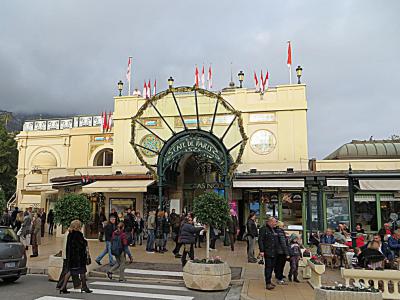
Cafe de Paris and Casino – the top place in Monaco for high-end gambling since 1868; the most recent renovation in 1988 gave the Cafe a Belle Époque style mimicking Parisian bistros from the early 1900s.
Casino de Monte-Carlo – perhaps the world's most famous gambling establishment, operational since the 1850s; the ornate structure is an outstanding example of Beaux-Arts style.
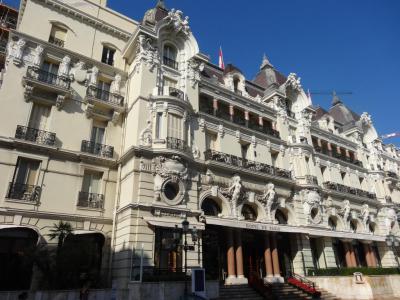
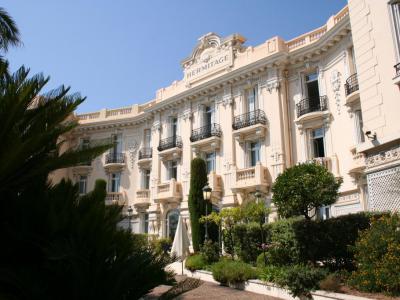
Hotel de Paris Monte-Carlo – a luxury hotel built in 1863; among other amenities, offers the best view of the Monte Carlo Casino and the sea, plus several Michelin-star restaurants.
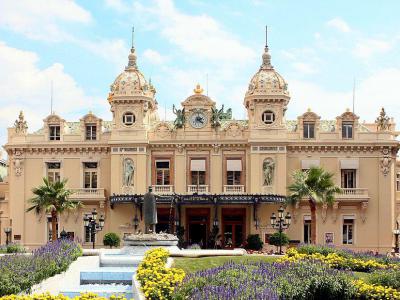
Opera de Monte-Carlo – coupled with the famous Monte Carlo Casino, established in 1879; initially served as the Prince's private theater; renowned for its opulent interiors.
To explore these and other historically important architectural sights of Monte-Carlo, take this self-guided walking tour.
The geography of Monaco, featuring sharp hills and narrow coastline, has largely determined the Monacan architecture. It is also attributed to the city-state's location in the South East of France, which has entailed strong French influence, especially that of the Belle Époque period. Notable Monacan works by French architects Charles Garnier and Jules Dutrou epitomize the mixture of other European and historical influences.
A host of architectural landmarks of the Principality allow visitors to learn the history behind its current-day glitz and glamour. Collated here are some of the major local edifices worth checking out; such as:
Cafe de Paris and Casino – the top place in Monaco for high-end gambling since 1868; the most recent renovation in 1988 gave the Cafe a Belle Époque style mimicking Parisian bistros from the early 1900s.
Casino de Monte-Carlo – perhaps the world's most famous gambling establishment, operational since the 1850s; the ornate structure is an outstanding example of Beaux-Arts style.
Hotel de Paris Monte-Carlo – a luxury hotel built in 1863; among other amenities, offers the best view of the Monte Carlo Casino and the sea, plus several Michelin-star restaurants.
Opera de Monte-Carlo – coupled with the famous Monte Carlo Casino, established in 1879; initially served as the Prince's private theater; renowned for its opulent interiors.
To explore these and other historically important architectural sights of Monte-Carlo, take this self-guided walking tour.
How it works: Download the app "GPSmyCity: Walks in 1K+ Cities" from Apple App Store or Google Play Store to your mobile phone or tablet. The app turns your mobile device into a personal tour guide and its built-in GPS navigation functions guide you from one tour stop to next. The app works offline, so no data plan is needed when traveling abroad.
Download The GPSmyCity App



Historical Buildings Walk Map
Guide Name: Historical Buildings Walk
Guide Location: Monaco » Monte-Carlo (See other walking tours in Monte-Carlo)
Guide Type: Self-guided Walking Tour (Sightseeing)
Tour Duration: 1 Hour(s)
Travel Distance: 1.2 Km or 0.7 Miles
Tour Best Suited For: Archtecture buffs
Guide Location: Monaco » Monte-Carlo (See other walking tours in Monte-Carlo)
Guide Type: Self-guided Walking Tour (Sightseeing)
Tour Duration: 1 Hour(s)
Travel Distance: 1.2 Km or 0.7 Miles
Tour Best Suited For: Archtecture buffs
Sights Featured in This Walk
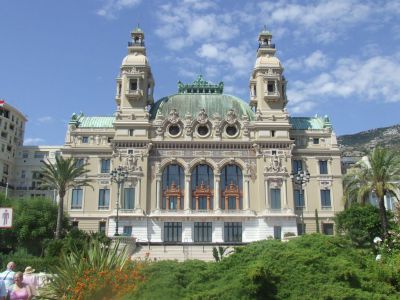
4) Opera de Monte-Carlo (must see)
Walking Tours in Monte-Carlo, Monaco
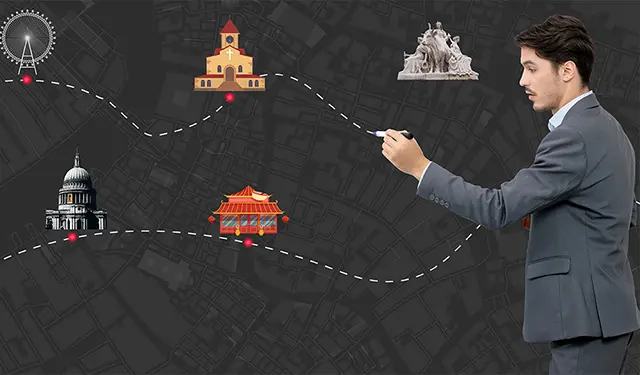
Create Your Own Walk in Monte-Carlo
Creating your own self-guided walk in Monte-Carlo is easy and fun. Choose the city attractions that you want to see and a walk route map will be created just for you. You can even set your hotel as the start point of the walk.
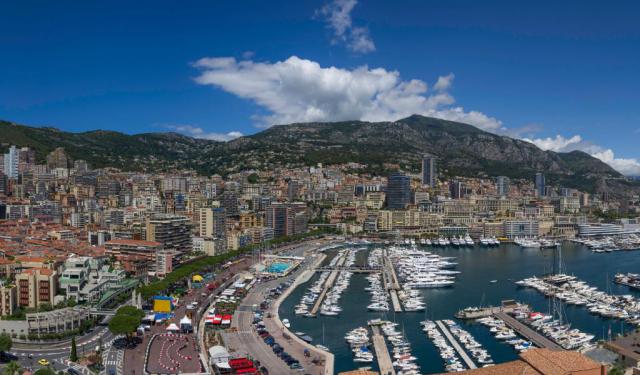
Monte-Carlo's Top Attractions Walking Tour
Prince Charles III of Monaco declared in 1860s “A new town will rise here, surrounded by gardens and light.” His words became the blueprint for what the world now knows as Monte-Carlo - the glittering heart of the Principality of Monaco.
Monte-Carlo is internationally recognised for its glamorous casino culture, luxury hotels, and high-profile events. Its name, meaning “Mount Charles”... view more
Tour Duration: 2 Hour(s)
Travel Distance: 3.4 Km or 2.1 Miles
Monte-Carlo is internationally recognised for its glamorous casino culture, luxury hotels, and high-profile events. Its name, meaning “Mount Charles”... view more
Tour Duration: 2 Hour(s)
Travel Distance: 3.4 Km or 2.1 Miles
The Most Popular Cities
/ view all