

Salvador Introduction Walking Tour (Self Guided), Salvador
Salvador is a coastal city in Brazil. Founded in 1548, it is the country's former capital and serves as the current capital of the state of Bahia. It is one of the oldest planned cities in the Americas.
Due to its location, early Europeans turned Salvador into an important trade route for slavery. Of the nearly 5 million enslaved people who were imported to Brazil, about 1.3 million were brought through Salvador. As such, the city experienced one the largest uprisings of enslaved people who eventually gained their freedom and made an indelible mark on the city.
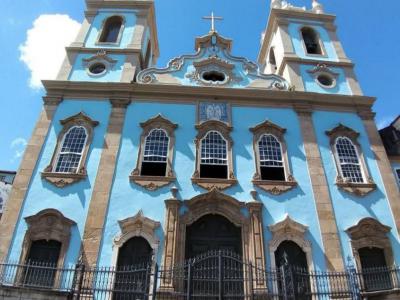
The city is known for its Afro-Brazilian art, architecture, and cuisine. One of the places where this is apparent is in the Church of Our Lady of the Rosary of the Black People. This Catholic church, built by enslaved and free black people, uses African chants and holds masses in the Yoruba language.
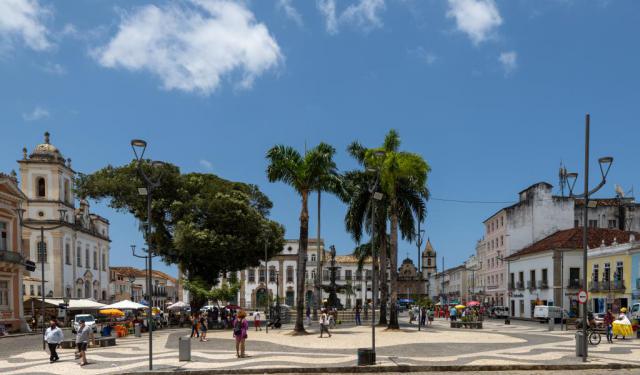
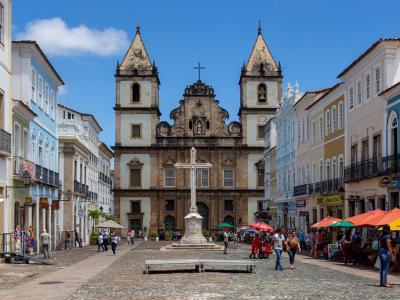
The historical center of the city of Salvador is a UNESCO World Heritage Site. The architecture dates from the colonial period when Portugal was newly establishing a stronghold in the region. The center of the city is often referred to as the Pillory district due to the fact that the squares, like Jesus Square, had pillories installed for public punishment and torture.
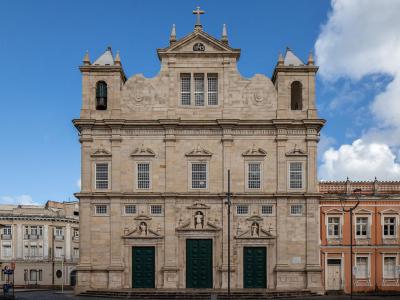
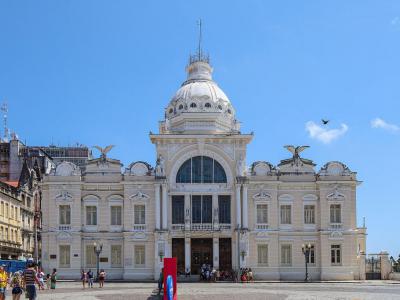
The city center has undergone vast reconstruction over the course of the last 30 years. Visitors will find historical buildings with updated facades. Many of these are churches, like the Cathedral Basilica of Salvador, the Church of Our Lady of the Rosary of the Black People, and Saint Francis Church and Convent of Salvador.
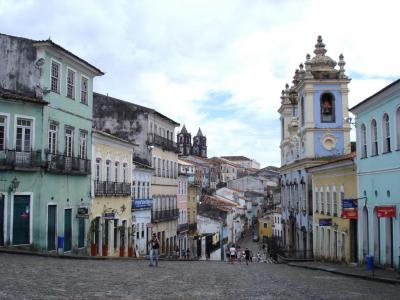
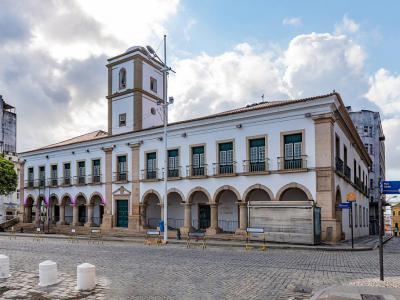
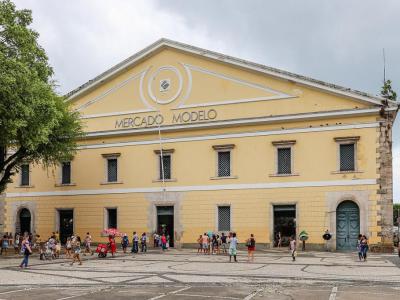
Visit the markets of Salvador. Try the traditional cuisine when visiting food vendors at places like Modelo Market. Then walk along Pillory Street while soaking up the culture of the city.
Due to its location, early Europeans turned Salvador into an important trade route for slavery. Of the nearly 5 million enslaved people who were imported to Brazil, about 1.3 million were brought through Salvador. As such, the city experienced one the largest uprisings of enslaved people who eventually gained their freedom and made an indelible mark on the city.
The city is known for its Afro-Brazilian art, architecture, and cuisine. One of the places where this is apparent is in the Church of Our Lady of the Rosary of the Black People. This Catholic church, built by enslaved and free black people, uses African chants and holds masses in the Yoruba language.
The historical center of the city of Salvador is a UNESCO World Heritage Site. The architecture dates from the colonial period when Portugal was newly establishing a stronghold in the region. The center of the city is often referred to as the Pillory district due to the fact that the squares, like Jesus Square, had pillories installed for public punishment and torture.
The city center has undergone vast reconstruction over the course of the last 30 years. Visitors will find historical buildings with updated facades. Many of these are churches, like the Cathedral Basilica of Salvador, the Church of Our Lady of the Rosary of the Black People, and Saint Francis Church and Convent of Salvador.
Visit the markets of Salvador. Try the traditional cuisine when visiting food vendors at places like Modelo Market. Then walk along Pillory Street while soaking up the culture of the city.
How it works: Download the app "GPSmyCity: Walks in 1K+ Cities" from Apple App Store or Google Play Store to your mobile phone or tablet. The app turns your mobile device into a personal tour guide and its built-in GPS navigation functions guide you from one tour stop to next. The app works offline, so no data plan is needed when traveling abroad.
Download The GPSmyCity App



Salvador Introduction Walking Tour Map
Guide Name: Salvador Introduction Walking Tour
Guide Location: Brazil » Salvador (See other walking tours in Salvador)
Guide Type: Self-guided Walking Tour (Sightseeing)
Tour Duration: 1 Hour(s)
Travel Distance: 1.6 Km or 1 Miles
Guide Location: Brazil » Salvador (See other walking tours in Salvador)
Guide Type: Self-guided Walking Tour (Sightseeing)
Tour Duration: 1 Hour(s)
Travel Distance: 1.6 Km or 1 Miles
Sights Featured in This Walk
Walking Tours in Salvador, Brazil
Create Your Own Walk in Salvador
Creating your own self-guided walk in Salvador is easy and fun. Choose the city attractions that you want to see and a walk route map will be created just for you. You can even set your hotel as the start point of the walk.
Salvador's Historical Churches Tour
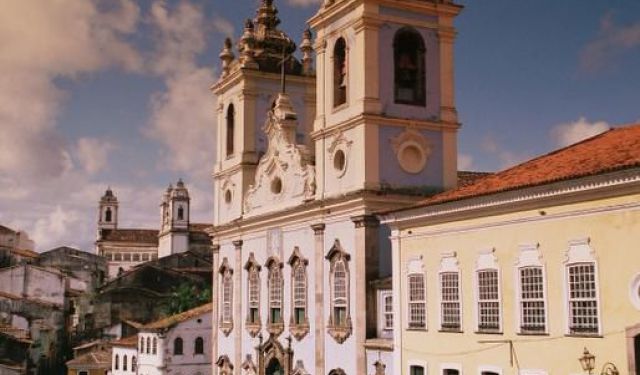
In Salvador, Brazil, there are quite a few churches emblematic of its cultural and religious heritage. The city's historic district contains so many old Catholic temples that some even joke that you can have a different church to visit there every day of the year. However, if you don't have a whole year to spend in Salvador but still want to make the most of your time in terms of... view more
Tour Duration: 1 Hour(s)
Travel Distance: 2.1 Km or 1.3 Miles
Tour Duration: 1 Hour(s)
Travel Distance: 2.1 Km or 1.3 Miles
The Most Popular Cities
/ view all