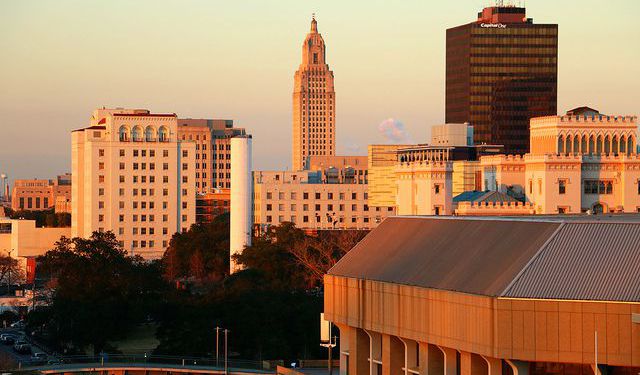


Baton Rouge Introduction Walking Tour (Self Guided), Baton Rouge
Baton Rouge is the capital of the state of Louisiana. The area that is now Baton Rouge was initially settled by the Houma and Bayougoula Indian Tribes. These two indigenous tribes used a giant cypress pole painted in red to mark the boundary between the tribal lands. Early French settlers dubbed that cypress pole "Le Baton Rouge" or Red Stick.
European settlement of Baton Rouge began in 1721 when French colonists established a military and trading post. Since then, Baton Rouge has been governed by seven different governments: French, British, and Spanish in the colonial era, the Republic of West Florida as a United States territory and state, Confederate, and United States again since the end of the American Civil War.
Baton Rouge owes its economic importance to its strategic site upon the Istrouma Bluff, the first natural bluff upriver from the Mississippi River Delta at the Gulf of Mexico. It is a culturally rich city, with settlements by immigrants from many European nations and Africans brought to North America as slaves or indentured servants.
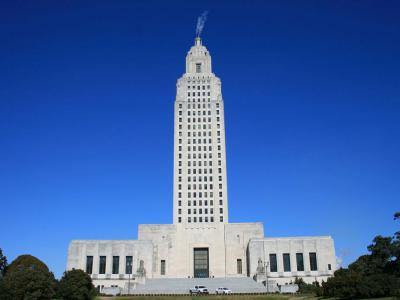
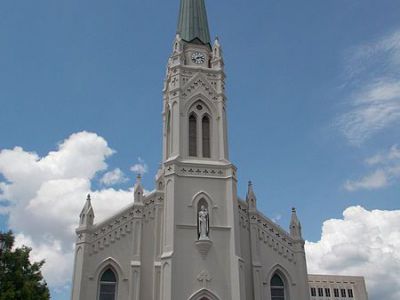
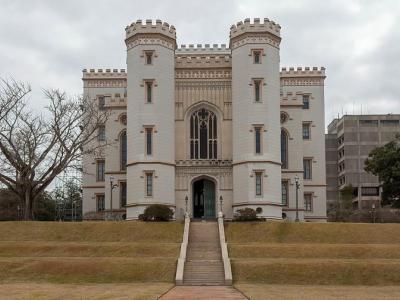
The fascinating history and architecture can be seen in many of the city's historic buildings. The Louisiana State Capitol building is one of the few state capitals to feature a skyscraper rather than a traditional dome. The modern building stands in stark contrast to the Old State Capitol building, which was designed to look like a medieval castle. It now functions as a museum and art gallery.
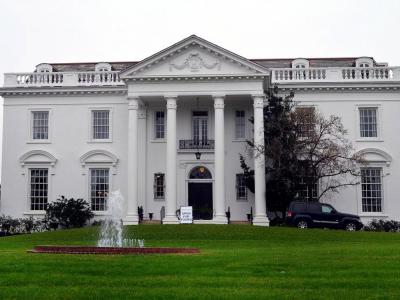
The Old Governor's Mansion was designed to mimic the White House at the behest of then-Governor Huey Long. The U.S.S. Kidd and Nautical Center hold the only destroyer-class ship that maintains its appearance from World War II and welcomes visitors to explore.
Take this self-guided walking tour to explore Baton Rouge at your own pace.
European settlement of Baton Rouge began in 1721 when French colonists established a military and trading post. Since then, Baton Rouge has been governed by seven different governments: French, British, and Spanish in the colonial era, the Republic of West Florida as a United States territory and state, Confederate, and United States again since the end of the American Civil War.
Baton Rouge owes its economic importance to its strategic site upon the Istrouma Bluff, the first natural bluff upriver from the Mississippi River Delta at the Gulf of Mexico. It is a culturally rich city, with settlements by immigrants from many European nations and Africans brought to North America as slaves or indentured servants.
The fascinating history and architecture can be seen in many of the city's historic buildings. The Louisiana State Capitol building is one of the few state capitals to feature a skyscraper rather than a traditional dome. The modern building stands in stark contrast to the Old State Capitol building, which was designed to look like a medieval castle. It now functions as a museum and art gallery.
The Old Governor's Mansion was designed to mimic the White House at the behest of then-Governor Huey Long. The U.S.S. Kidd and Nautical Center hold the only destroyer-class ship that maintains its appearance from World War II and welcomes visitors to explore.
Take this self-guided walking tour to explore Baton Rouge at your own pace.
How it works: Download the app "GPSmyCity: Walks in 1K+ Cities" from Apple App Store or Google Play Store to your mobile phone or tablet. The app turns your mobile device into a personal tour guide and its built-in GPS navigation functions guide you from one tour stop to next. The app works offline, so no data plan is needed when traveling abroad.
Download The GPSmyCity App



Baton Rouge Introduction Walking Tour Map
Guide Name: Baton Rouge Introduction Walking Tour
Guide Location: USA » Baton Rouge (See other walking tours in Baton Rouge)
Guide Type: Self-guided Walking Tour (Sightseeing)
Tour Duration: 1 Hour(s)
Travel Distance: 2.4 Km or 1.5 Miles
Tour Best Suited For: First-time visit
Guide Location: USA » Baton Rouge (See other walking tours in Baton Rouge)
Guide Type: Self-guided Walking Tour (Sightseeing)
Tour Duration: 1 Hour(s)
Travel Distance: 2.4 Km or 1.5 Miles
Tour Best Suited For: First-time visit
Sights Featured in This Walk

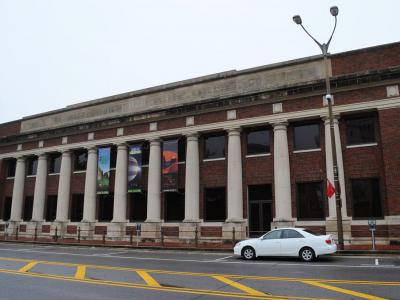

Walking Tours in Baton Rouge, Louisiana
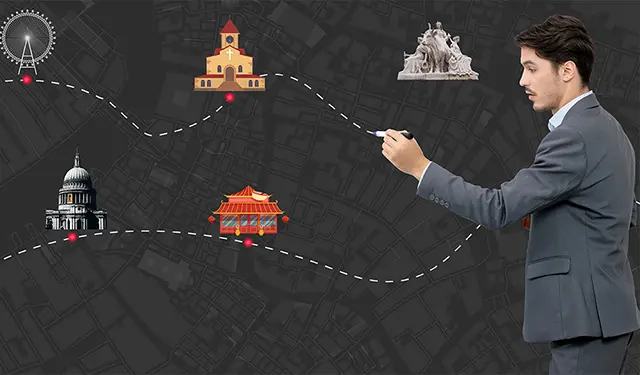
Create Your Own Walk in Baton Rouge
Creating your own self-guided walk in Baton Rouge is easy and fun. Choose the city attractions that you want to see and a walk route map will be created just for you. You can even set your hotel as the start point of the walk.
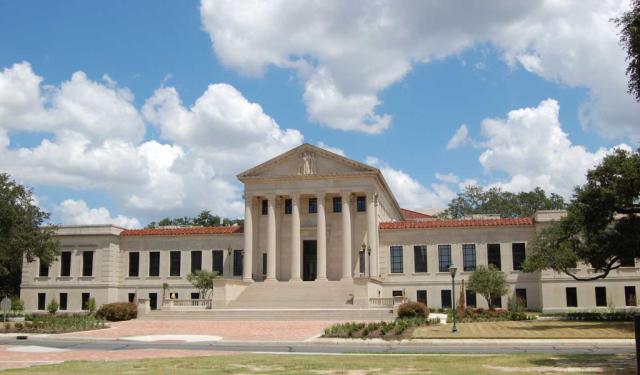
Louisiana State University Walking Tour
Louisiana State University is the flagship university of the LSU system. It was originally founded in Pineville in 1860 as a seminary and military academy. The present campus in Baton Rouge was established in 1926.
The LSU campus is noted for its architecture and historical center. The campus has 250 buildings designed in the Italian Renaissance style. Among these are the Memorial Tower, Hill... view more
Tour Duration: 2 Hour(s)
Travel Distance: 3.4 Km or 2.1 Miles
The LSU campus is noted for its architecture and historical center. The campus has 250 buildings designed in the Italian Renaissance style. Among these are the Memorial Tower, Hill... view more
Tour Duration: 2 Hour(s)
Travel Distance: 3.4 Km or 2.1 Miles
The Most Popular Cities
/ view all