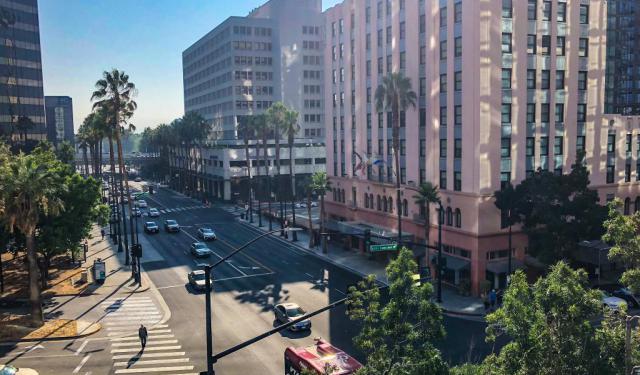


San Jose CA Downtown Walking Tour (Self Guided), San Jose
San Jose is California's third-largest city and the second-largest city in Northern California. From 1849 to 1851, San Jose served as the state's first capital, which is still a local source of pride. The city has formally incorporated in 1850 and has been a center of innovation from the late 19th century, starting with agriculture and food processing.
During World War II, several military contractors set up operations in the city, and the 1950s and 1960s saw expansion into the suburbs. Some of the most popular Silicon Valley companies have their headquarters here, including Apple, Adobe, Roku, Paypal, Hewlett-Packard, and IBM. The technology business drives much of San Jose's economy.
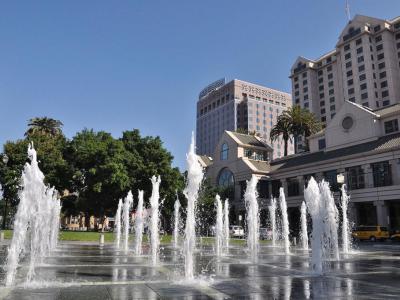
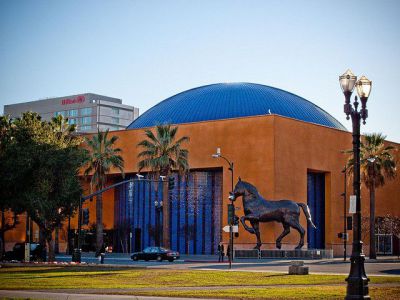
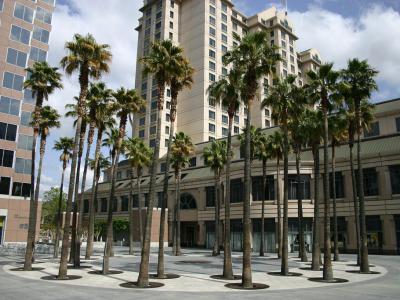
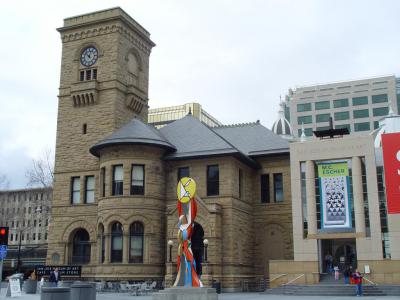
Popular outdoor areas include Plaza de Cesar Chavez, Circle of Palms Plaza, and St. James Park. Check out the Tech Museum of Innovation for fun exhibits on science and technology or the San Jose Museum of Art to get a look at some of the city's most noteworthy artwork.
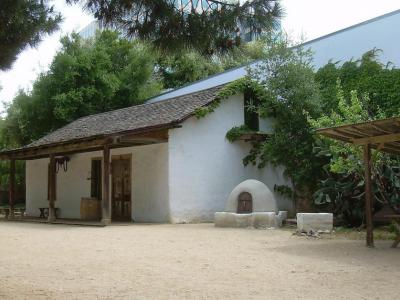
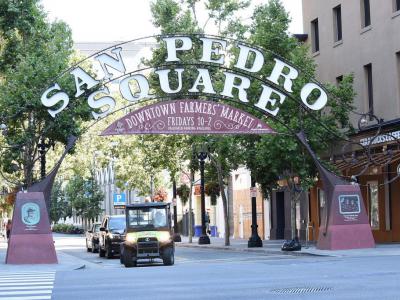
San Jose is also famous for its impressive historic buildings. Stop by Peralta Adobe to see the city's oldest building, preserved in Spanish style. Don't forget to stop by San Pedro Square, which has an assortment of contemporary restaurants and bars in one the city's oldest squares.
To see the most important attractions in downtown San Jose, follow this self-guided walking tour!
During World War II, several military contractors set up operations in the city, and the 1950s and 1960s saw expansion into the suburbs. Some of the most popular Silicon Valley companies have their headquarters here, including Apple, Adobe, Roku, Paypal, Hewlett-Packard, and IBM. The technology business drives much of San Jose's economy.
Popular outdoor areas include Plaza de Cesar Chavez, Circle of Palms Plaza, and St. James Park. Check out the Tech Museum of Innovation for fun exhibits on science and technology or the San Jose Museum of Art to get a look at some of the city's most noteworthy artwork.
San Jose is also famous for its impressive historic buildings. Stop by Peralta Adobe to see the city's oldest building, preserved in Spanish style. Don't forget to stop by San Pedro Square, which has an assortment of contemporary restaurants and bars in one the city's oldest squares.
To see the most important attractions in downtown San Jose, follow this self-guided walking tour!
How it works: Download the app "GPSmyCity: Walks in 1K+ Cities" from Apple App Store or Google Play Store to your mobile phone or tablet. The app turns your mobile device into a personal tour guide and its built-in GPS navigation functions guide you from one tour stop to next. The app works offline, so no data plan is needed when traveling abroad.
Download The GPSmyCity App



San Jose CA Downtown Walking Tour Map
Guide Name: San Jose CA Downtown Walking Tour
Guide Location: USA » San Jose (See other walking tours in San Jose)
Guide Type: Self-guided Walking Tour (Sightseeing)
Tour Duration: 1 Hour
Travel Distance: 1.9 Km or 1.2 Miles
Tour Best Suited For: First-time visit
Guide Location: USA » San Jose (See other walking tours in San Jose)
Guide Type: Self-guided Walking Tour (Sightseeing)
Tour Duration: 1 Hour
Travel Distance: 1.9 Km or 1.2 Miles
Tour Best Suited For: First-time visit
Sights Featured in This Walk
Walking Tours in San Jose, California
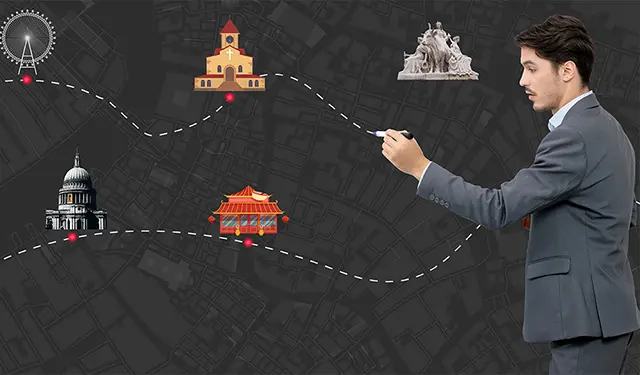
Create Your Own Walk in San Jose
Creating your own self-guided walk in San Jose is easy and fun. Choose the city attractions that you want to see and a walk route map will be created just for you. You can even set your hotel as the start point of the walk.
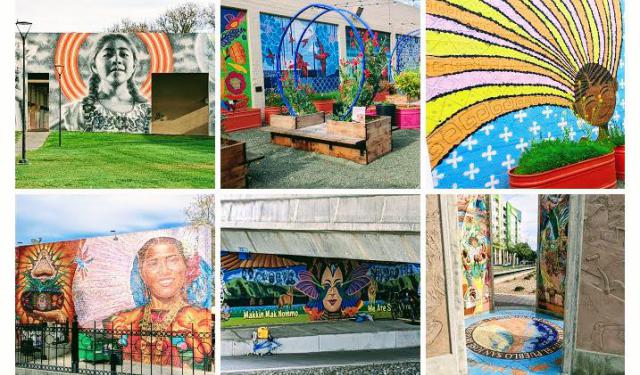
San Jose Public Art Walking Tour
This walking tour, “Public Art as Resistance in San José,” highlights the history of resistance and public art in downtown San José and begins on the urban university campus, San José State University. Starting from the first two works of art on campus, you’ll find that these 12 works of public art are among many in this area. However, this particular walking tour considers how San... view more
Tour Duration: 3 Hours
Travel Distance: 6 Km or 3.7 Miles
Tour Duration: 3 Hours
Travel Distance: 6 Km or 3.7 Miles

San Jose Museums Tour
The capital of Silicon Valley, San Jose is full of discovery and innovation. Also, steeped in history - established since 1777 - the city has born witness to numerous chapters of American past. When it comes to culture, education and recreation, the local museums are a perfect destination for solo adventurers new to the area.
Here, among other things, you can:
- get hands-on with technology... view more
Tour Duration: 2 Hours
Travel Distance: 3.9 Km or 2.4 Miles
Here, among other things, you can:
- get hands-on with technology... view more
Tour Duration: 2 Hours
Travel Distance: 3.9 Km or 2.4 Miles
City Walks Overview
