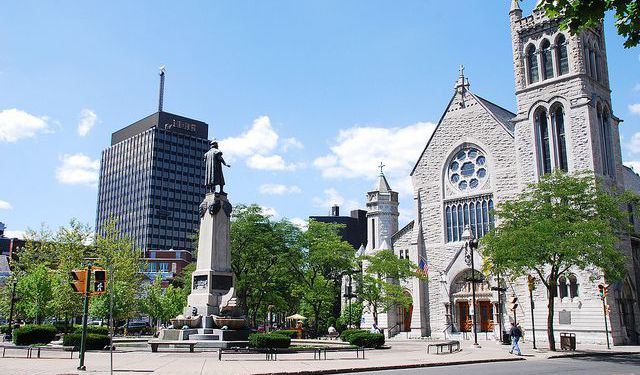


Syracuse Introduction Walking Tour (Self Guided), Syracuse
Syracuse is New York's fifth-most populous city and the county seat of Onondaga County. However, these facts only tell part of this city's story. As a significant crossroads throughout local and national history, this city has had a diverse population and contributed much to the nation's economy.
The area's original inhabitants were members of the Onondaga Nation, a tribe that was part of the Iroquois Confederacy. French fur traders, Jesuit priests, and Dutch and English traders were the earliest Europeans to settle here. Syracuse was founded as a town in 1820.
Initially, the salt industry contributed the most to the economy. After the Civil War and through the early 20th century, manufacturing, including furniture building, was popular. Syracuse University, open since 1870, has contributed to growth in the medical and legal fields.
Manufacturing saw an overall increase in the area after World War II, with the automobile industry playing a leading role. Non-tech manufacturing has declined since the 1970s. Services, healthcare, research, and education have filled the void.
Syracuse has iconic squares and plazas that are worth a look, including Clinton Square, Hanover Square, Columbus Circle and Plaza, and Armory Square. For more information on local history, visit The Erie Canal Museum. Science enthusiasts will enjoy The Museum of Science and Technology with its many exhibits.
Take this self-guided walking tour to learn more about Syracuse.
The area's original inhabitants were members of the Onondaga Nation, a tribe that was part of the Iroquois Confederacy. French fur traders, Jesuit priests, and Dutch and English traders were the earliest Europeans to settle here. Syracuse was founded as a town in 1820.
Initially, the salt industry contributed the most to the economy. After the Civil War and through the early 20th century, manufacturing, including furniture building, was popular. Syracuse University, open since 1870, has contributed to growth in the medical and legal fields.
Manufacturing saw an overall increase in the area after World War II, with the automobile industry playing a leading role. Non-tech manufacturing has declined since the 1970s. Services, healthcare, research, and education have filled the void.
Syracuse has iconic squares and plazas that are worth a look, including Clinton Square, Hanover Square, Columbus Circle and Plaza, and Armory Square. For more information on local history, visit The Erie Canal Museum. Science enthusiasts will enjoy The Museum of Science and Technology with its many exhibits.
Take this self-guided walking tour to learn more about Syracuse.
How it works: Download the app "GPSmyCity: Walks in 1K+ Cities" from Apple App Store or Google Play Store to your mobile phone or tablet. The app turns your mobile device into a personal tour guide and its built-in GPS navigation functions guide you from one tour stop to next. The app works offline, so no data plan is needed when traveling abroad.
Download The GPSmyCity App



Syracuse Introduction Walking Tour Map
Guide Name: Syracuse Introduction Walking Tour
Guide Location: USA » Syracuse (See other walking tours in Syracuse)
Guide Type: Self-guided Walking Tour (Sightseeing)
Tour Duration: 1 Hour
Travel Distance: 1.7 Km or 1.1 Miles
Tour Best Suited For: First-time visit
Guide Location: USA » Syracuse (See other walking tours in Syracuse)
Guide Type: Self-guided Walking Tour (Sightseeing)
Tour Duration: 1 Hour
Travel Distance: 1.7 Km or 1.1 Miles
Tour Best Suited For: First-time visit
Sights Featured in This Walk
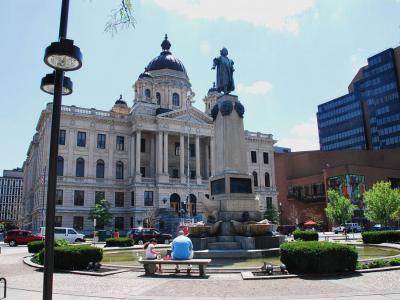
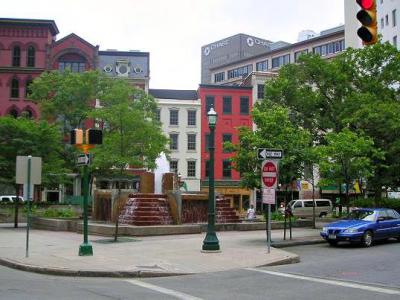
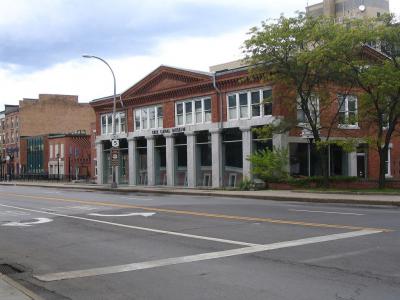
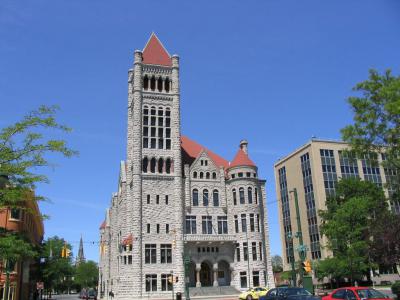

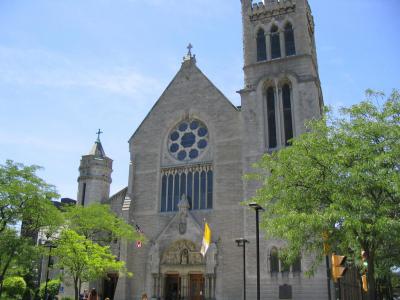
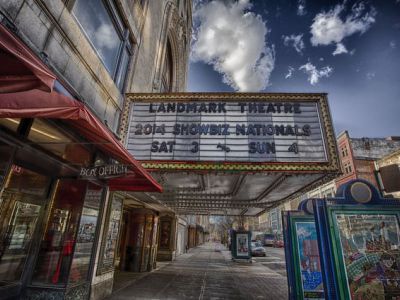
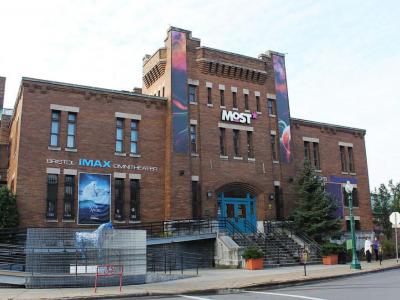
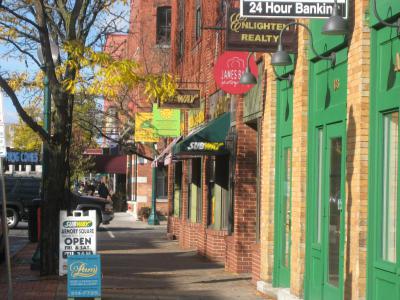
Walking Tours in Syracuse, New York
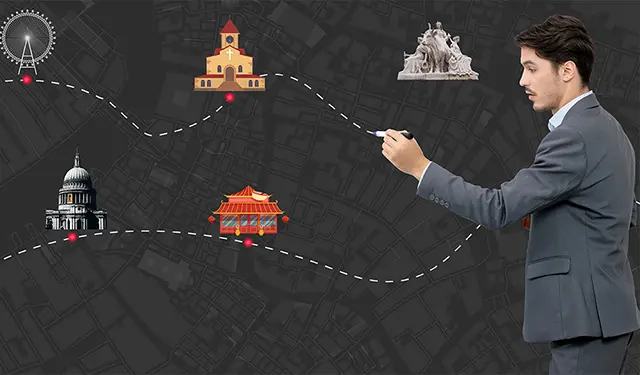
Create Your Own Walk in Syracuse
Creating your own self-guided walk in Syracuse is easy and fun. Choose the city attractions that you want to see and a walk route map will be created just for you. You can even set your hotel as the start point of the walk.
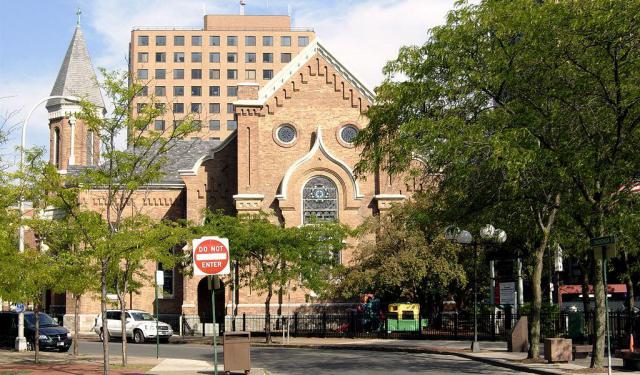
Historical Churches Walking Tour
Syracuse, NY is a melting pot of religious traditions and beliefs, which is evident in the local religious architecture. Most Christians in the city are Catholic, reflecting the influence of 19th and early 20th-century immigration patterns, when numerous Irish, German, Italian and eastern European settlers. Other than Catholic, there are dozens of other churches in the city, including Eastern... view more
Tour Duration: 1 Hour
Travel Distance: 2 Km or 1.2 Miles
Tour Duration: 1 Hour
Travel Distance: 2 Km or 1.2 Miles
City Walks Overview
